Find a Low-Profile Mechanical Keyboard for Your Desk
Compare low-profile mechanical keyboards from Lofree, MelGeek and ATK. Explore compact layouts, Mac shortcuts, number pads and the differences between models.
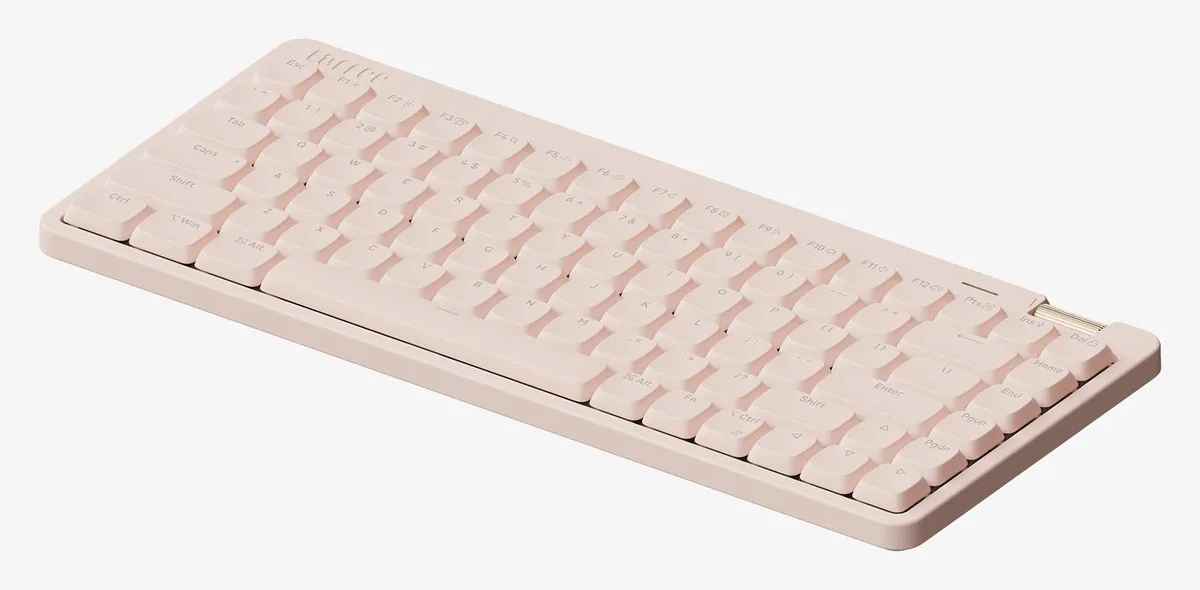
The Lofree Flow Lite84 keeps a function row and dedicated arrows in a compact mechanical keyboard. Bluetooth, a 2.4 GHz receiver and wired USB-C give you several ways to connect at the same desk. The featured version uses Specter linear switches and supports compatible low-profile replacements. Consider the Flow Lite100 if you type numbers all day.
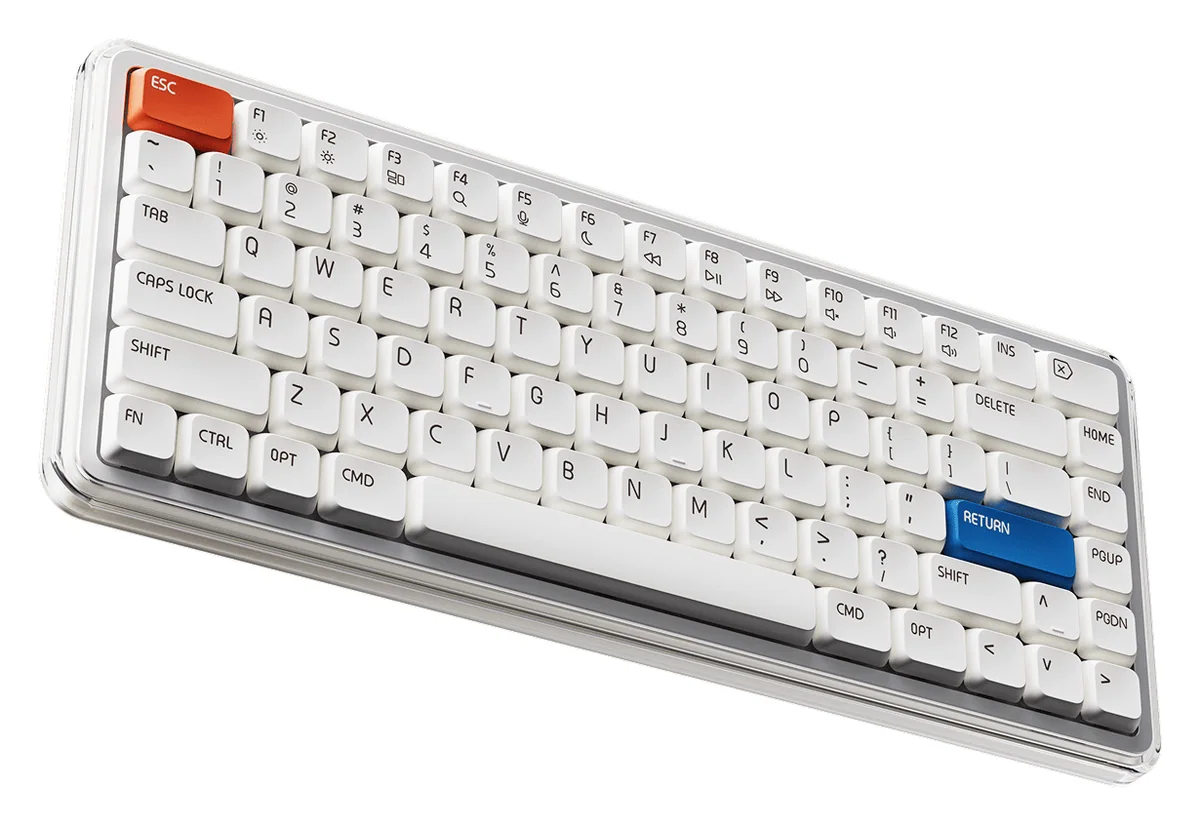
The MelGeek O2 for Mac is a low-profile mechanical keyboard with Apple-style modifier legends, media shortcuts and a translucent outer shell. The covered version uses Kailh Sunshine linear switches. Bluetooth, a 2.4 GHz receiver and USB-C let you pick a connection for a Mac desk. Check the model selector because MelGeek also offers a standard O2.
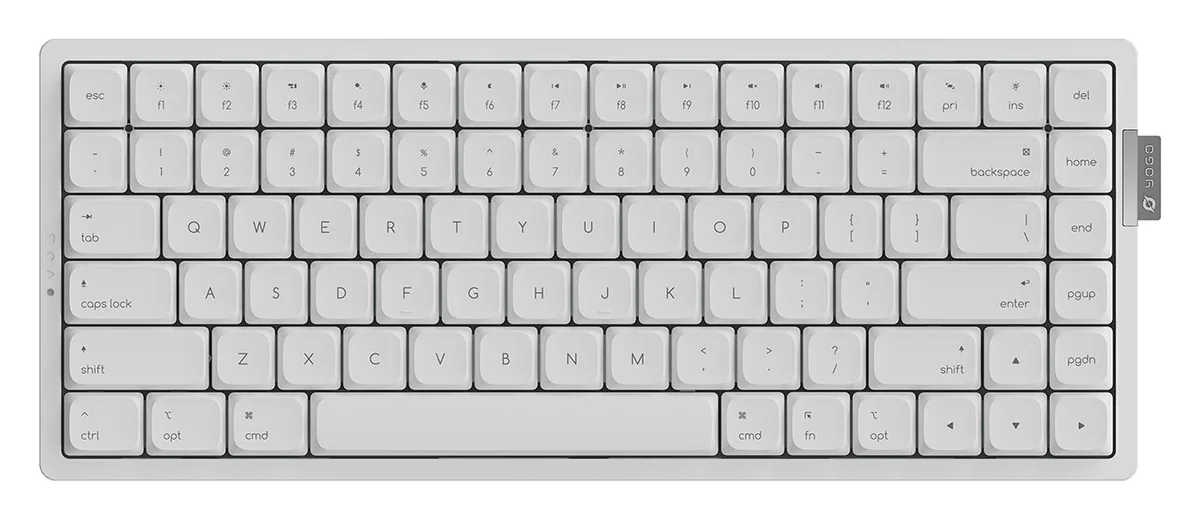
The ATK Yogo 75 is an 84-key low-profile mechanical keyboard with a CNC aluminum case, gasket mount and polycarbonate plate. It keeps the function row and supports Bluetooth, a 2.4 GHz receiver and wired connectivity. The standard model fits buyers who prefer its plate construction. Check the retailer option for the switch and finish.
Choose a low-profile mechanical keyboard for your Mac desk. Compare Mac-specific key legends, wireless modes, layout and remapping support across covered models.
Choose a low-profile mechanical keyboard with a number pad. See how the Lofree Flow Lite100 compares with compact layouts for spreadsheets and other work.
Compare Lofree Flow Lite84 and Lite100 layouts, dimensions, weight and battery capacity. See what you gain with a number pad and how much desk width it adds.